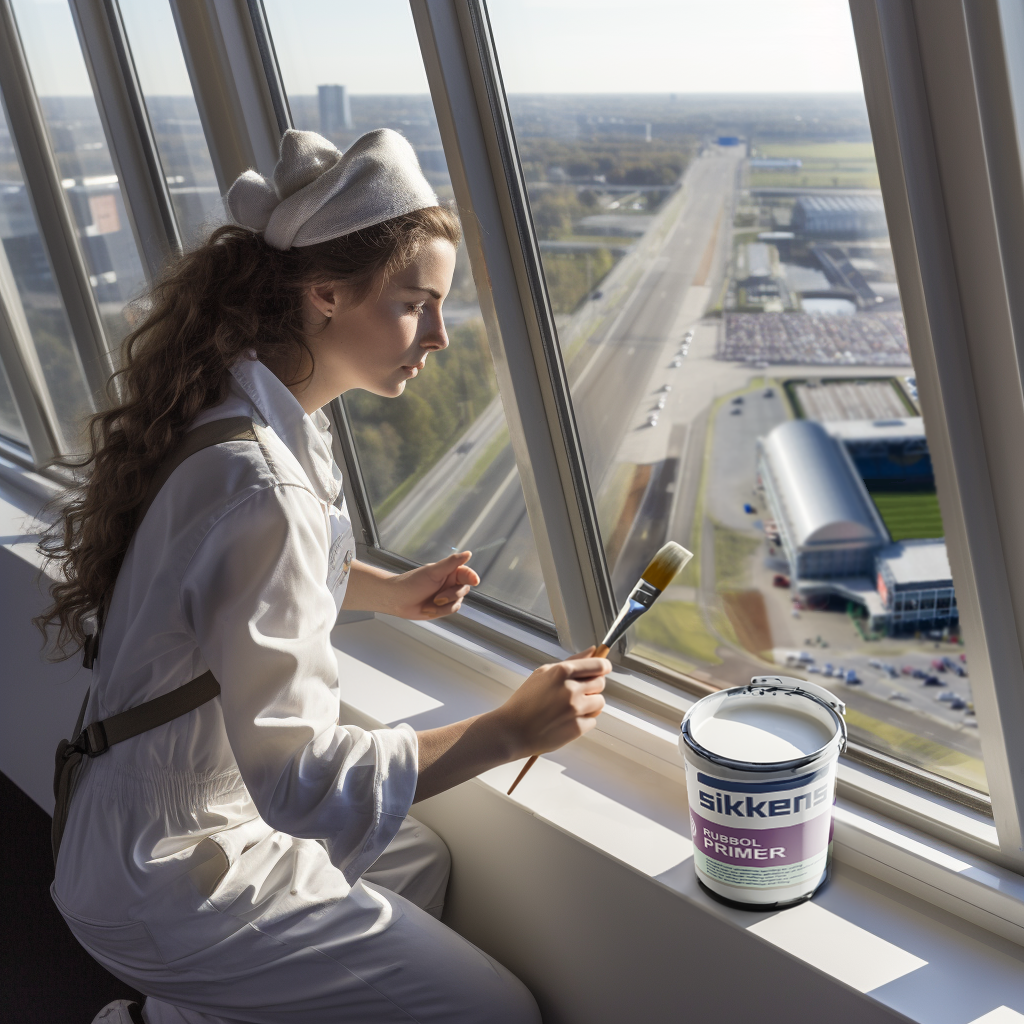
During my four-month internship at iO Digital Agency, I collaborated with fellow interns Joppe Koops and Beyza Deniz on the Verf.nl case. Together, we created a large series of images using generative artificial intelligence (AI) tools for the client Verf.nl..
The goal was to design AI‑generated visuals for 28 different cities, which Verf.nl intended to use for the ‘Schilderservice’ section of their website. When users enter their city on this page, a corresponding image (with supporting text) is displayed — these were the visuals we were tasked to produce.
To generate the images, we primarily worked with the AI tool Midjourney. I also used DALL‑E to make specific adjustments, such as changing a painter’s clothing. For crafting the most optimal and effective prompts, we received guidance from iO’s AI expert, Rodger Werkhoven.
Although the Midjourney outputs were impressively realistic, closer inspection revealed many inaccuracies — such as distorted hands, misaligned faces, or painters with three arms or legs. These errors had to be corrected manually in Adobe Photoshop, which was a time‑consuming process.
Fortunately, Adobe introduced its Generative Fill tool during my internship, which made fixing these small imperfections much faster and easier. We immediately started using it, which made correcting the small imperfections much easier and faster. For us, this AI tool truly felt like a godsend.
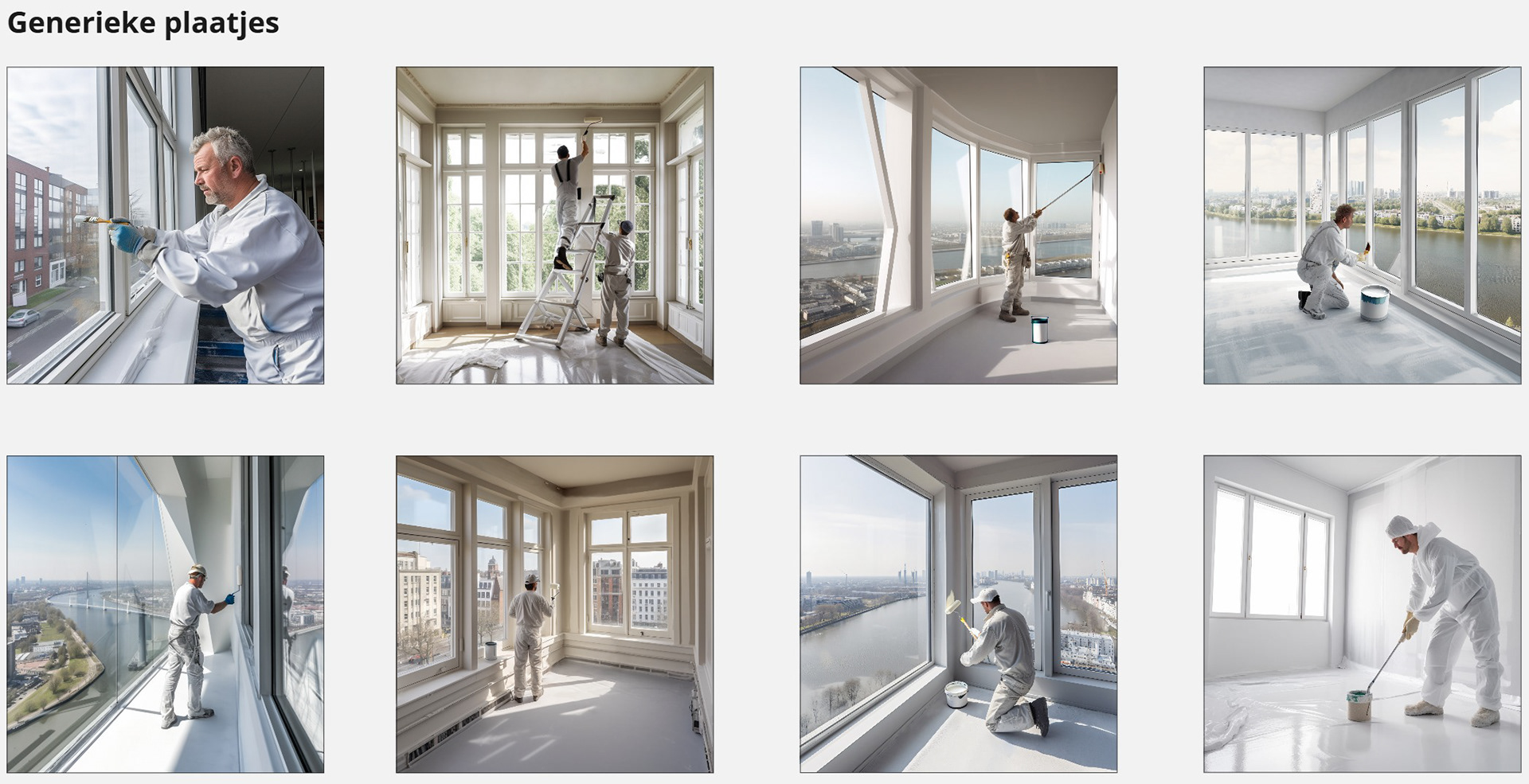
Below is an overview of our final results, starting with several generic images followed by the city‑specific visuals.
Underneath the images, you will also find a link to the Miro board containing all generated visuals and the full list of cities, prepared specifically for Verf.nl.
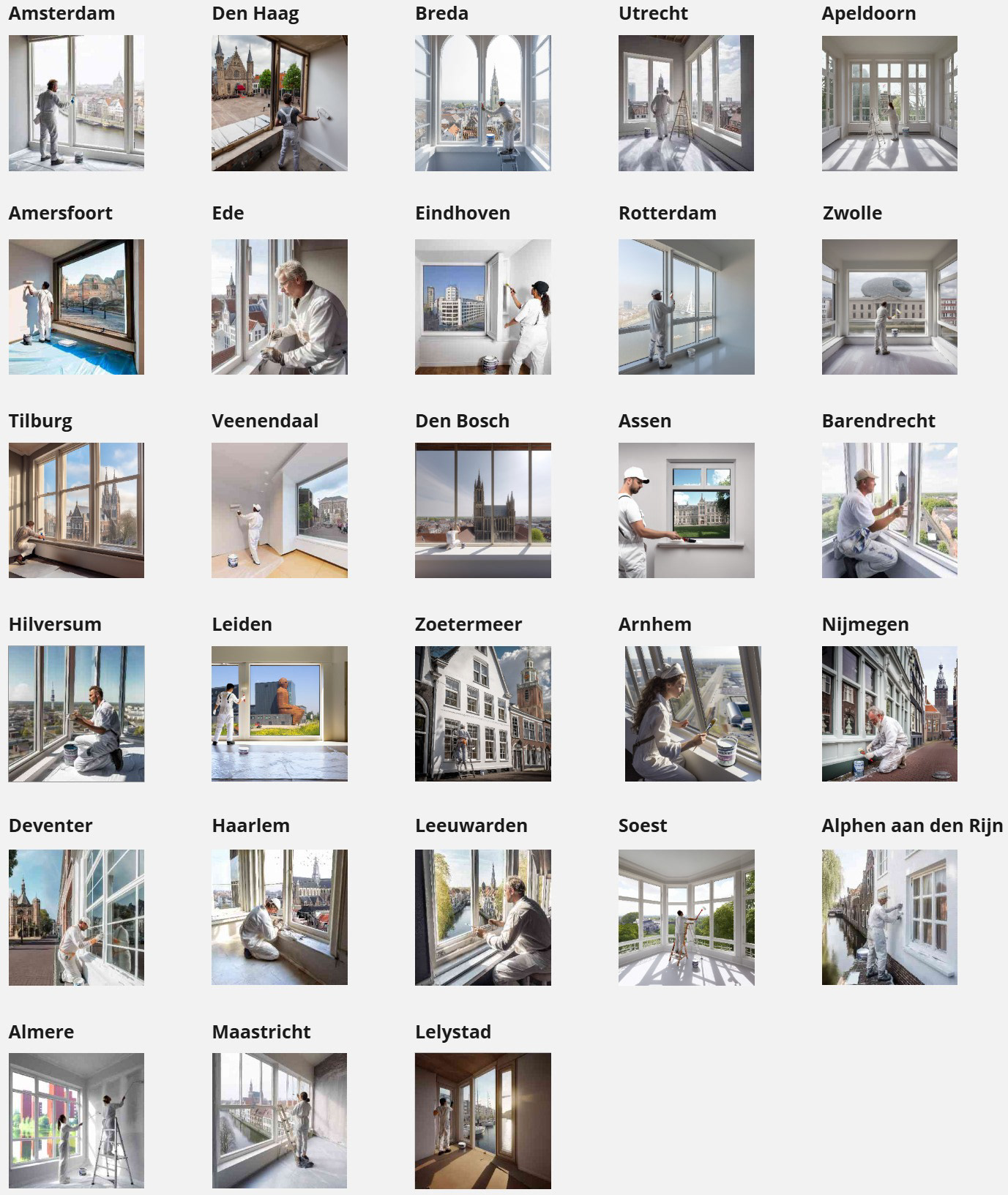
Link to the Miro board with all the generated images: Eindresultaat Miro-bord Verf.nl.
We also created another Miro board that documents the process and research phase — Proces Miro-bord Verf.nl. This board still contains small errors and details that were not yet corrected, as well as many experimental visuals.
We also created another Miro board that documents the process and research phase — Proces Miro-bord Verf.nl. This board still contains small errors and details that were not yet corrected, as well as many experimental visuals.
I should note that I did not generate all of the images myself. In the end, I created all of the so‑called ‘generic images’ — shown earlier — which were intended as additional visuals and are also suitable for use on Verf.nl’s website.
The city‑specific visuals were divided among the three of us. I collaborated with fellow interns Joppe Koops and Beyza Deniz on this Verf.nl case. Below is the division of the cities/locations we each worked on.
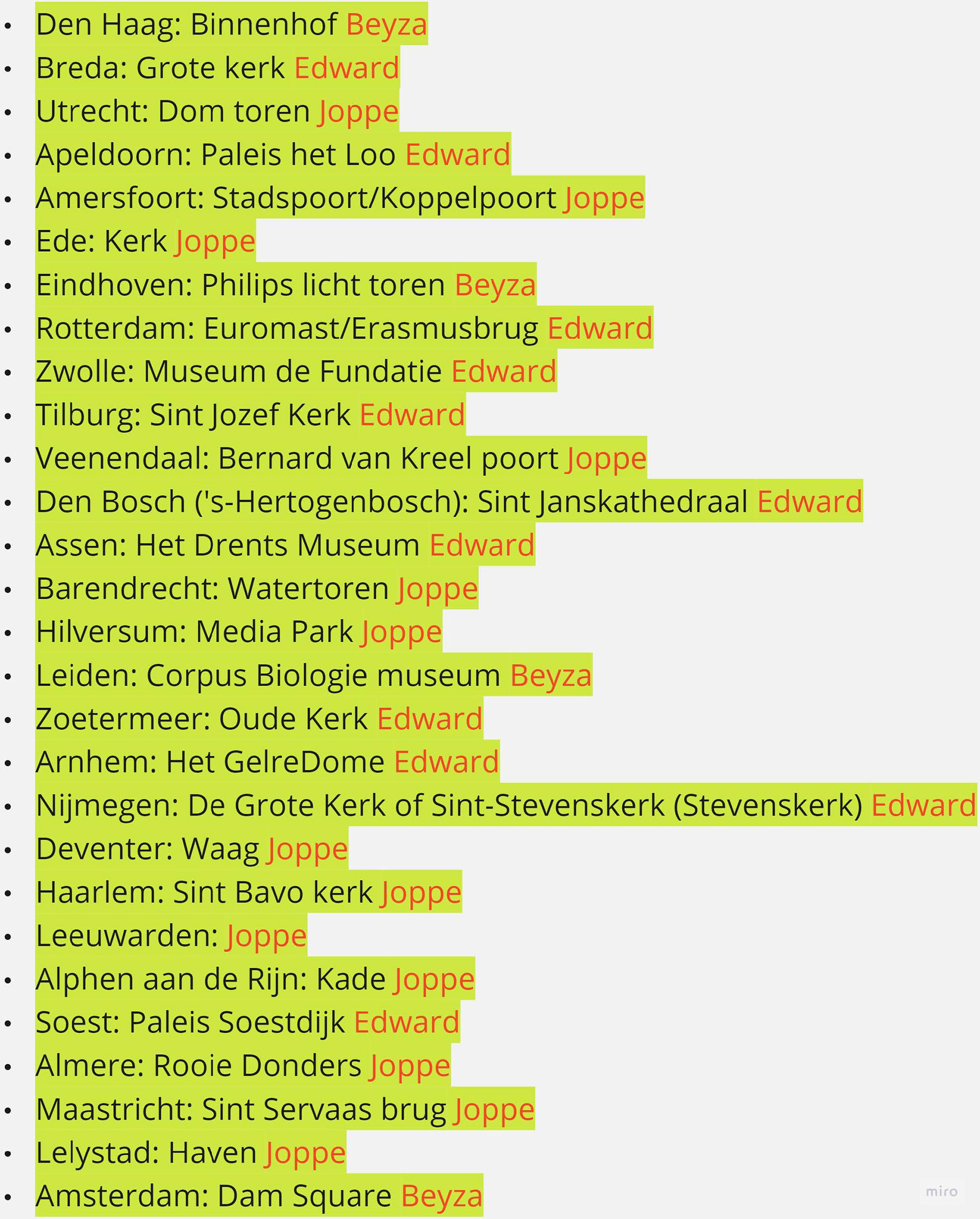
In the final meeting, the client Verf.nl expressed with great enthusiasm that they will definitely use our AI‑generated visuals on their website. We were, of course, very pleased with this outcome after all the hours and days of hard work in DALL‑E, Midjourney, and Adobe Photoshop (Adobe Generative Fill).
Shown below are only the AI‑generated images that I created (lined up together):
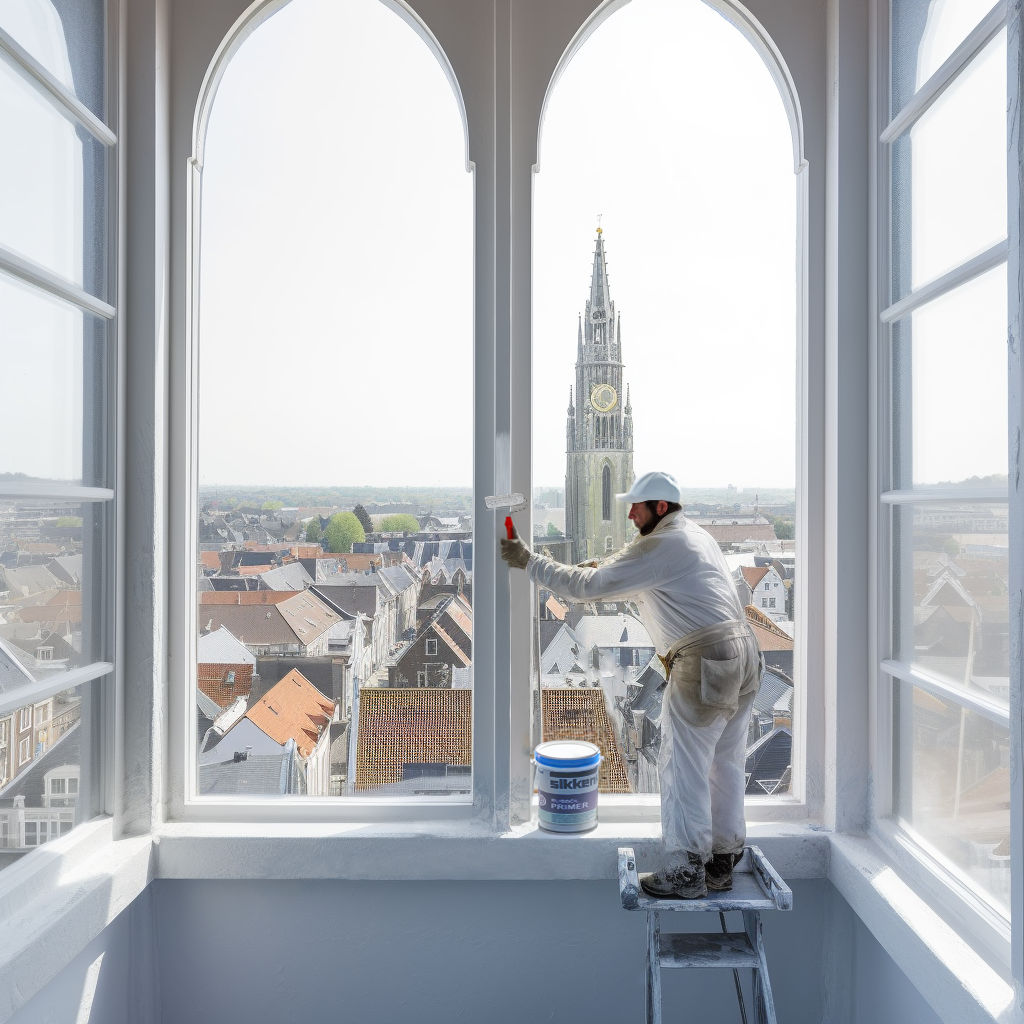
Breda: de Grote Kerk.
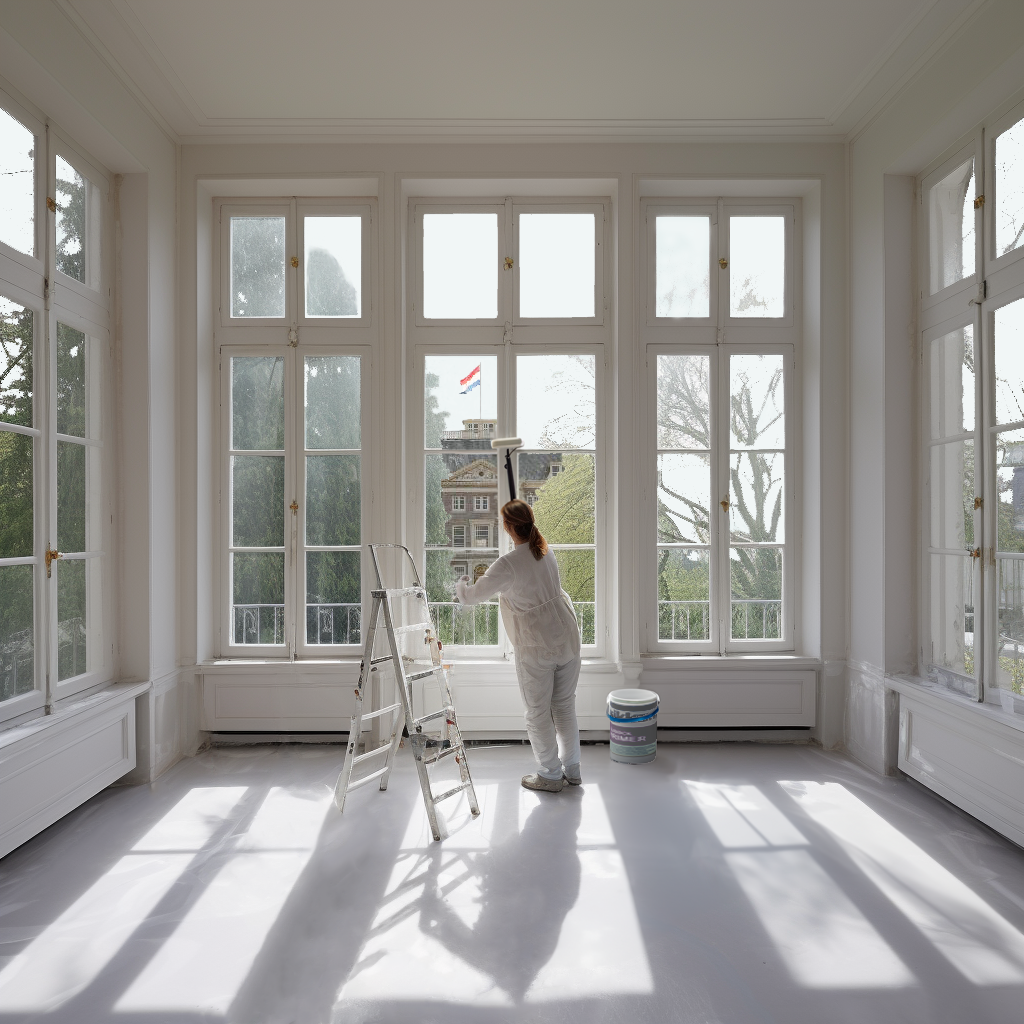
Apeldoorn: Paleis Het Loo.
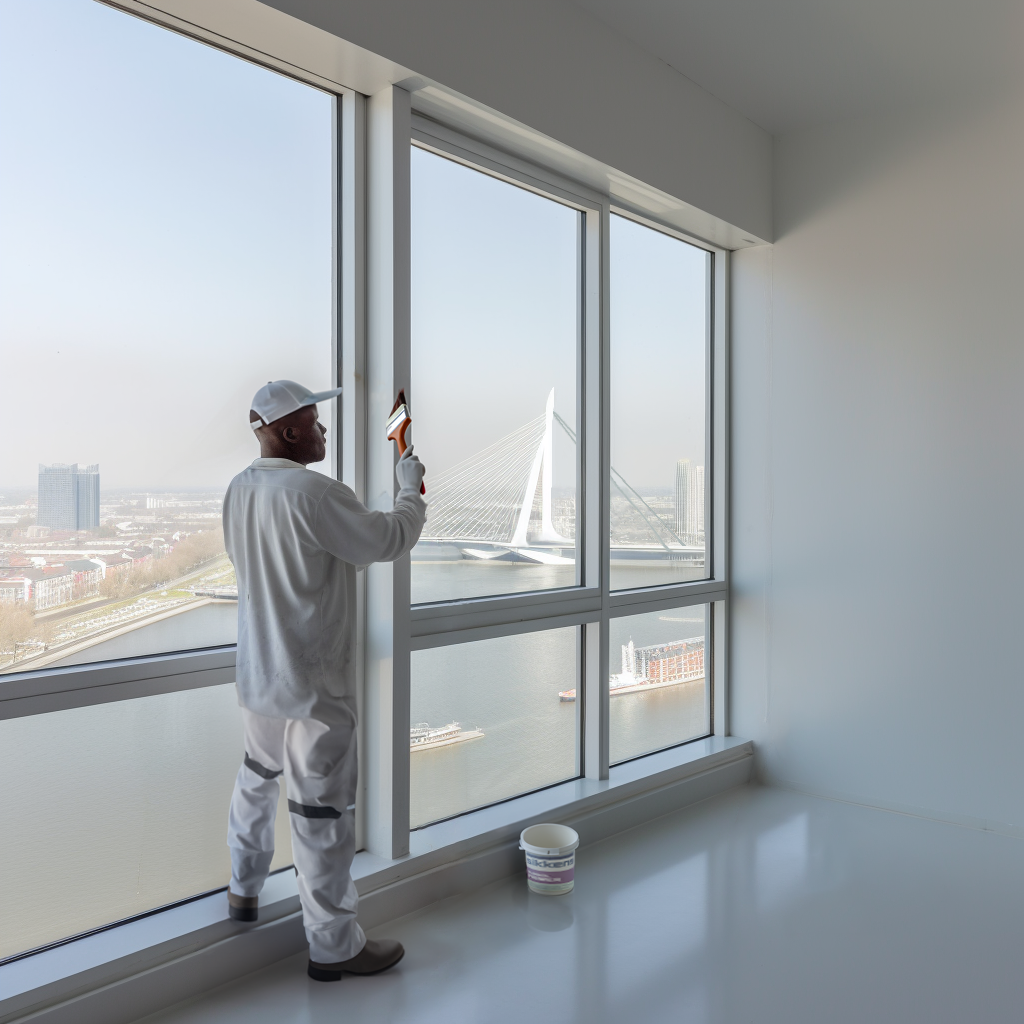
Rotterdam: de Erasmusbrug.
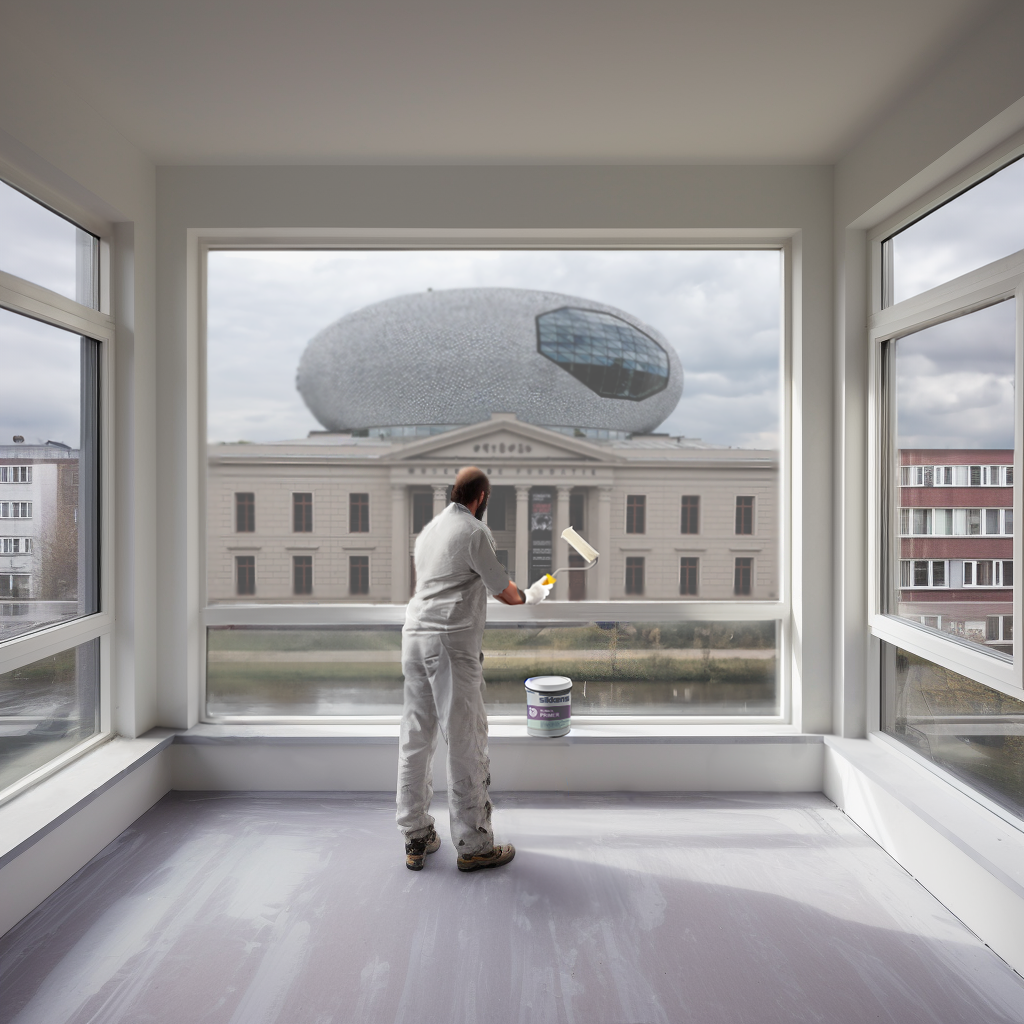
Zwolle: Museum de Fundatie.
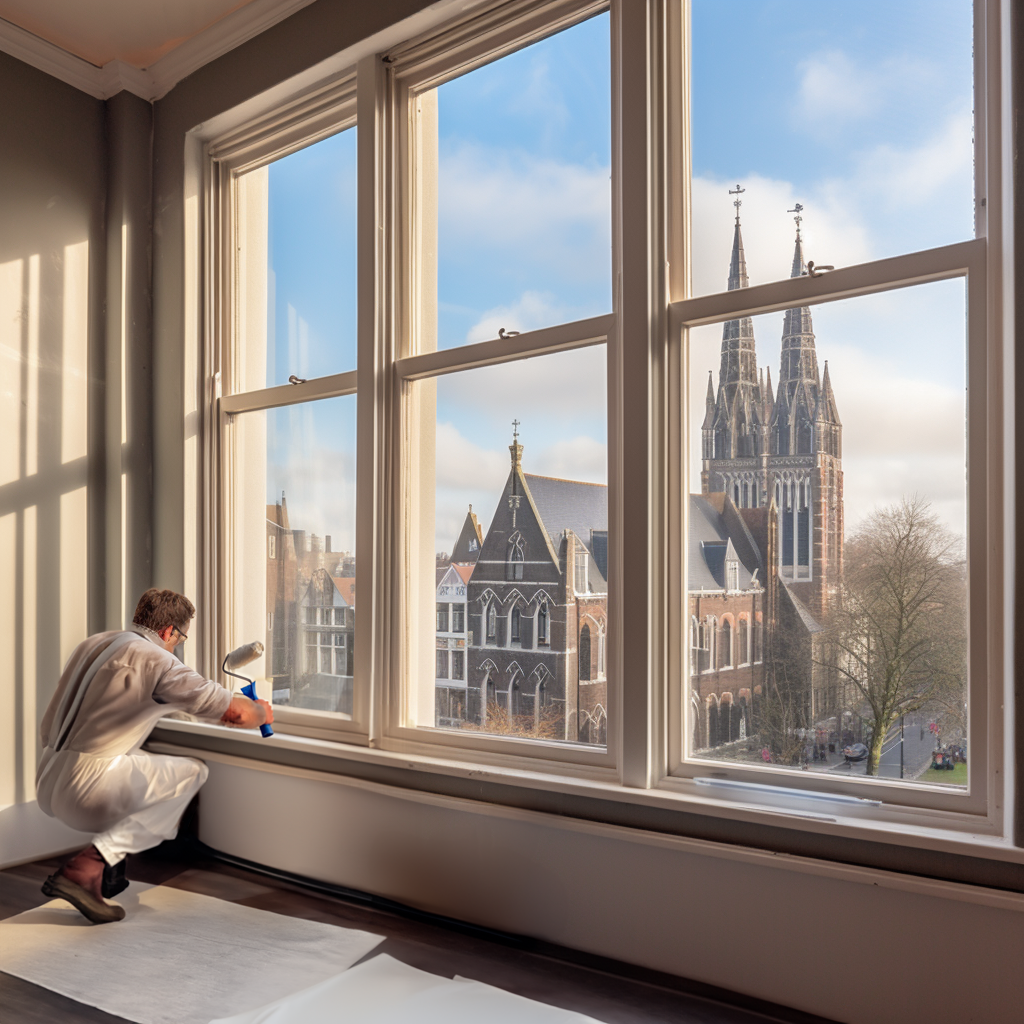
Tilburg: de Sint Jozefkerk.
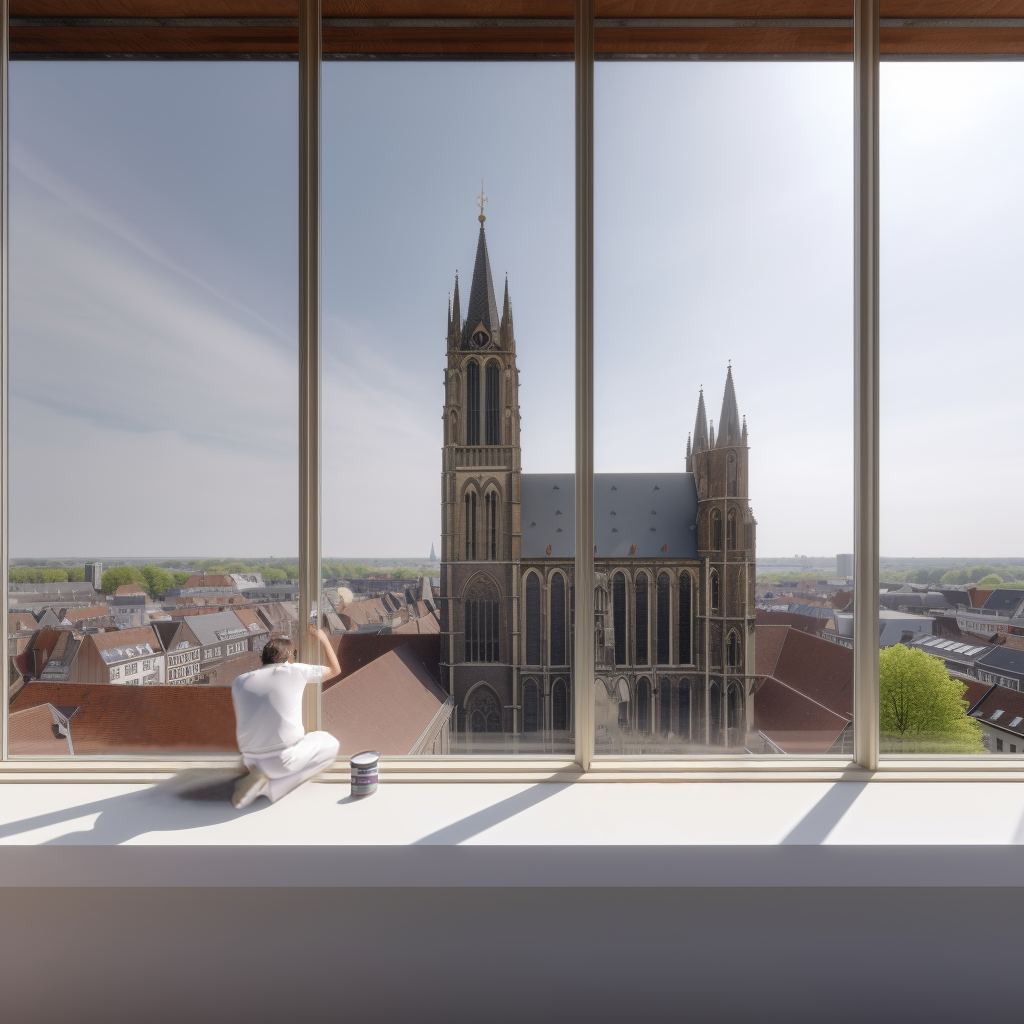
Den Bosch ('s-Hertogenbosch): de Sint-Janskathedraal.
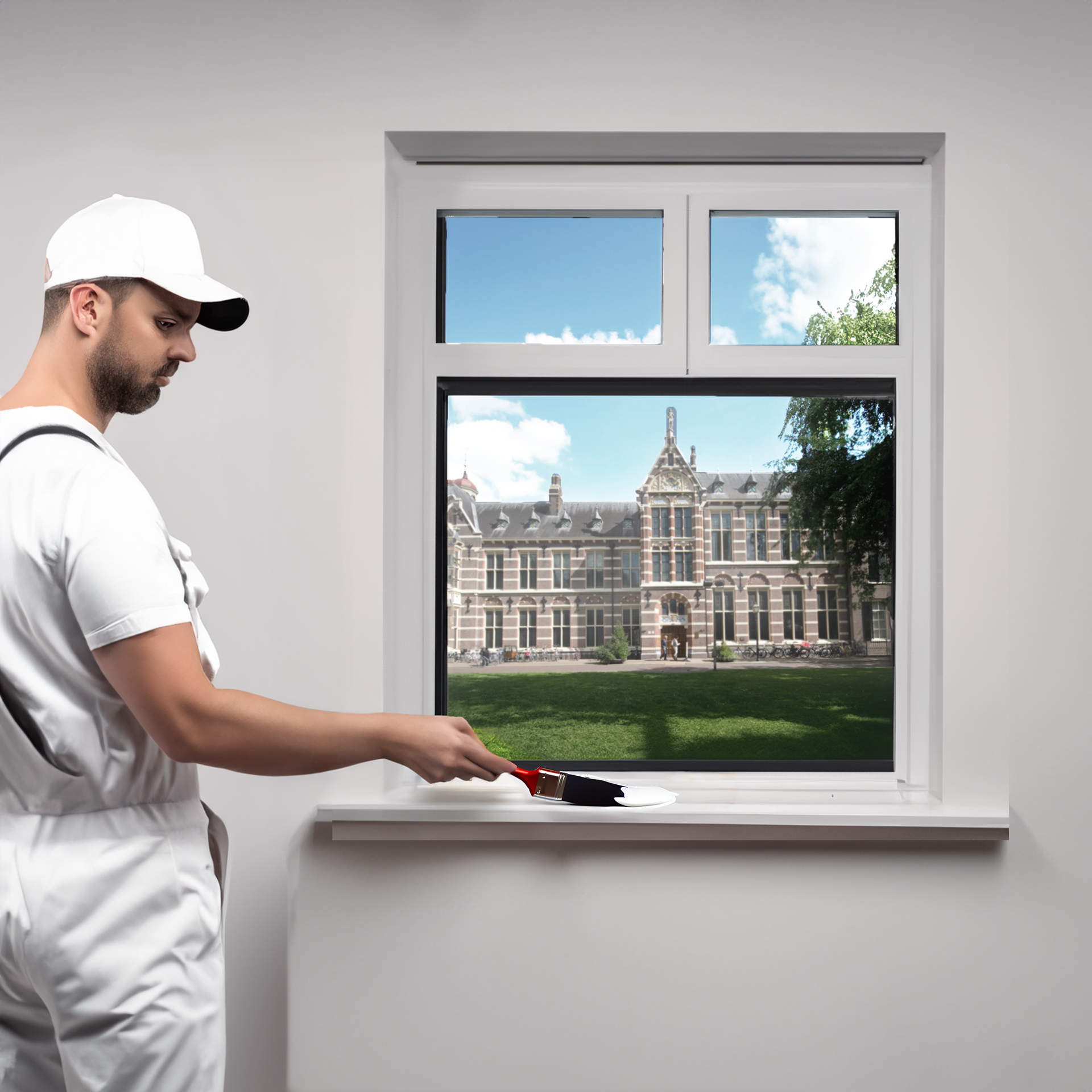
Assen: het Drents Museum.
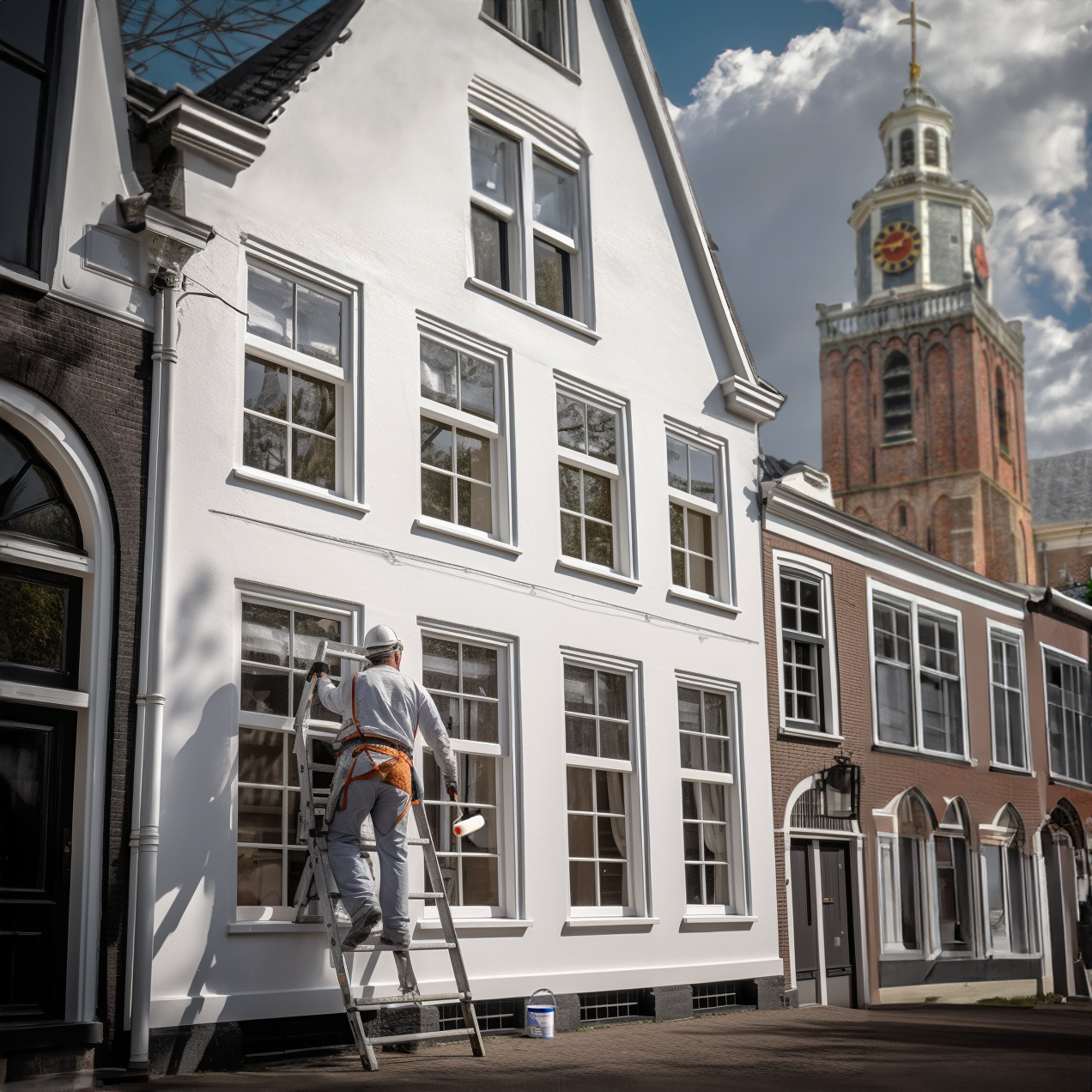
Zoetermeer: de Oude Kerk.
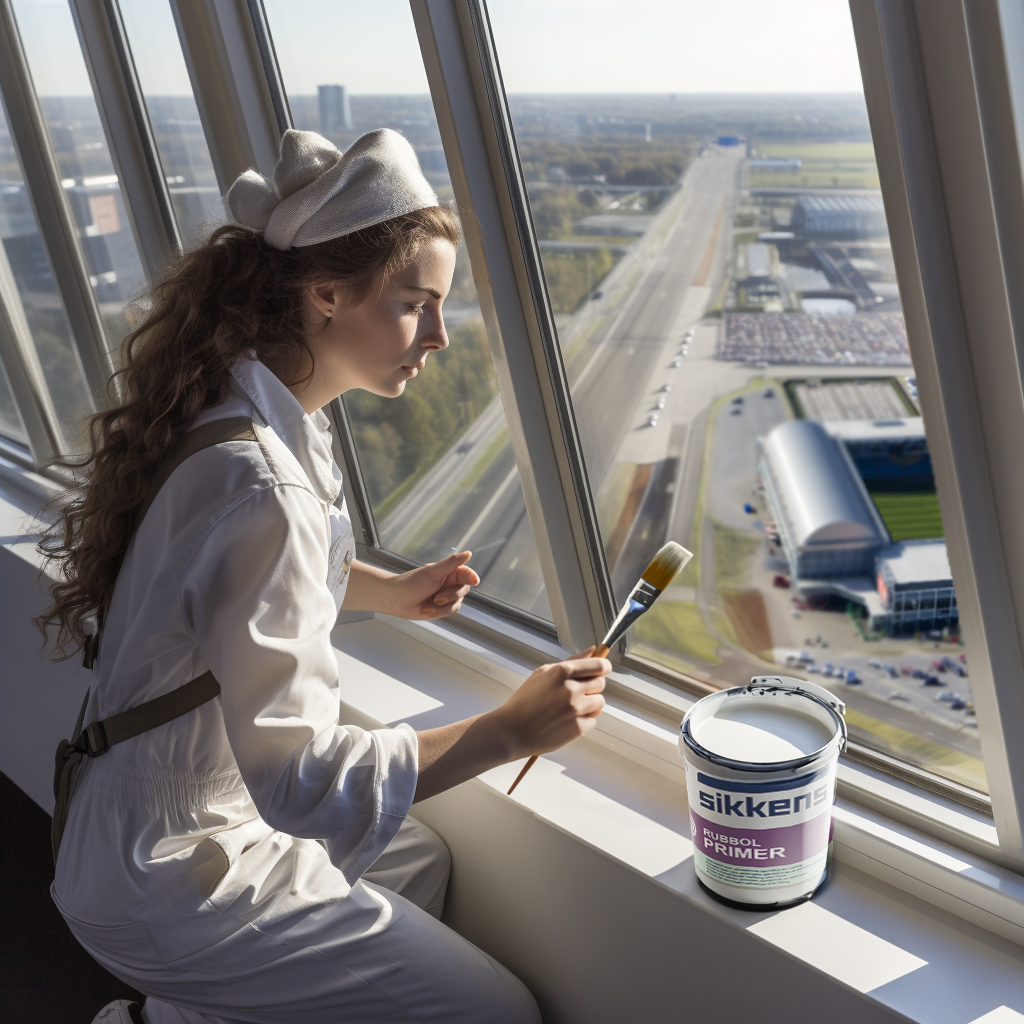
Arnhem: het GelreDome.
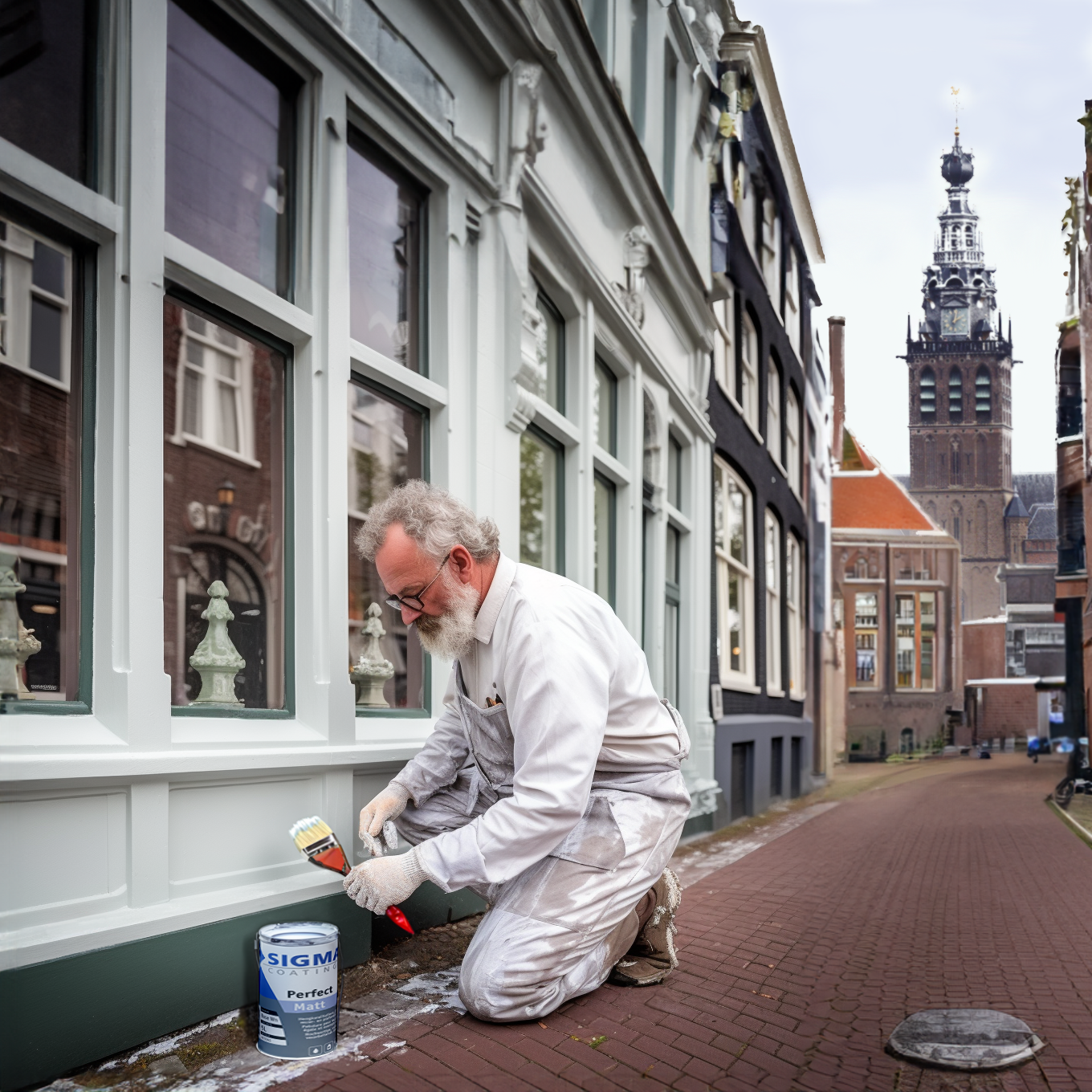
Nijmegen: de Grote Kerk of Sint-Stevenskerk.
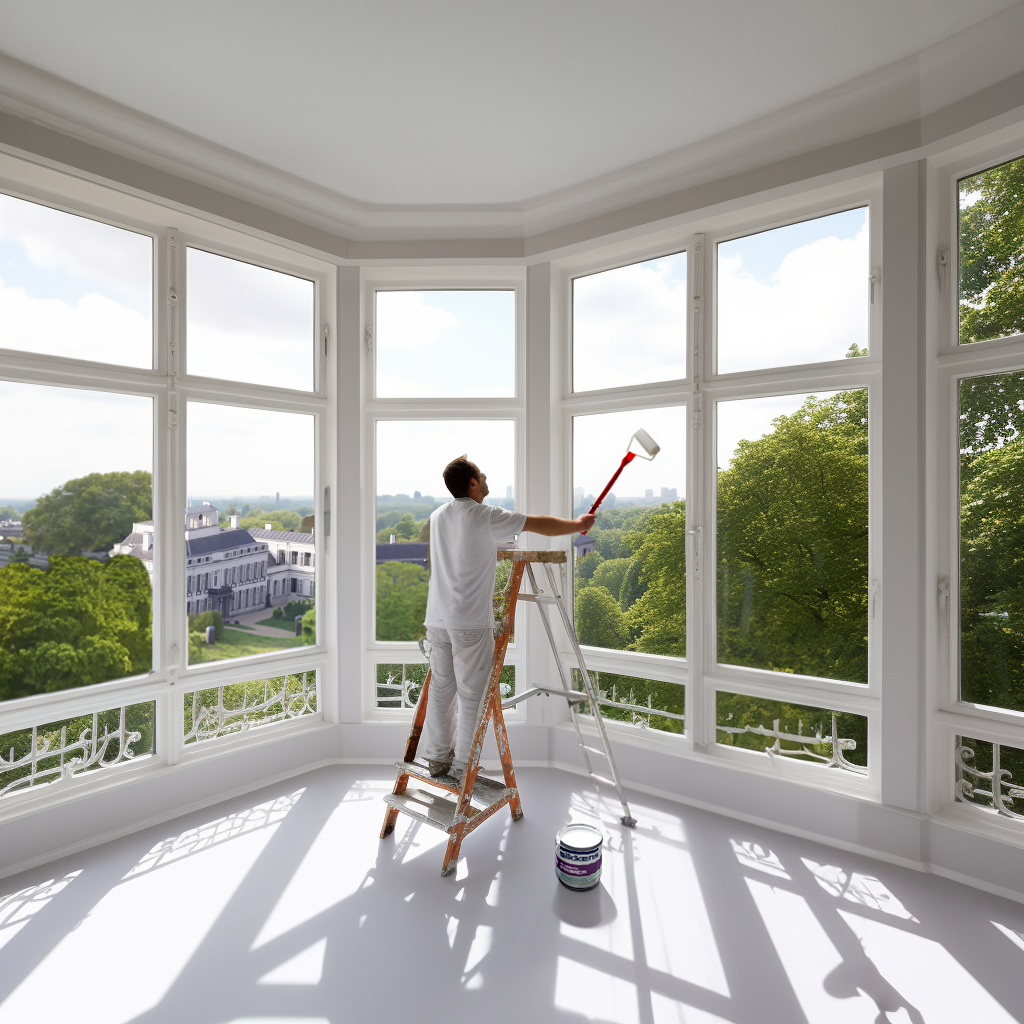
Soest: Paleis Soestdijk.
To wrap up, this Verf.nl case gave me the opportunity to work closely with one of the project or account managers at iO, my colleagues, and the client itself. Based on their feedback and the client’s requirements during meetings, we had to make several iterations of our AI‑generated visuals created in Midjourney.
For Verf.nl, I was able to visualize and generate extensively with AI tools, primarily Midjourney. This was something new for me, but I quickly learned how to craft effective prompts. With guidance from Rodger Werkhoven (AI expert at iO), we were able to refine our creations. Once you understand how to feed and direct the AI with strong prompts, the results can be truly impressive.
Of course, this technology, generative AI tools — and AI itself — will continue to evolve in the coming years, and I am genuinely excited to see where this progress will lead.