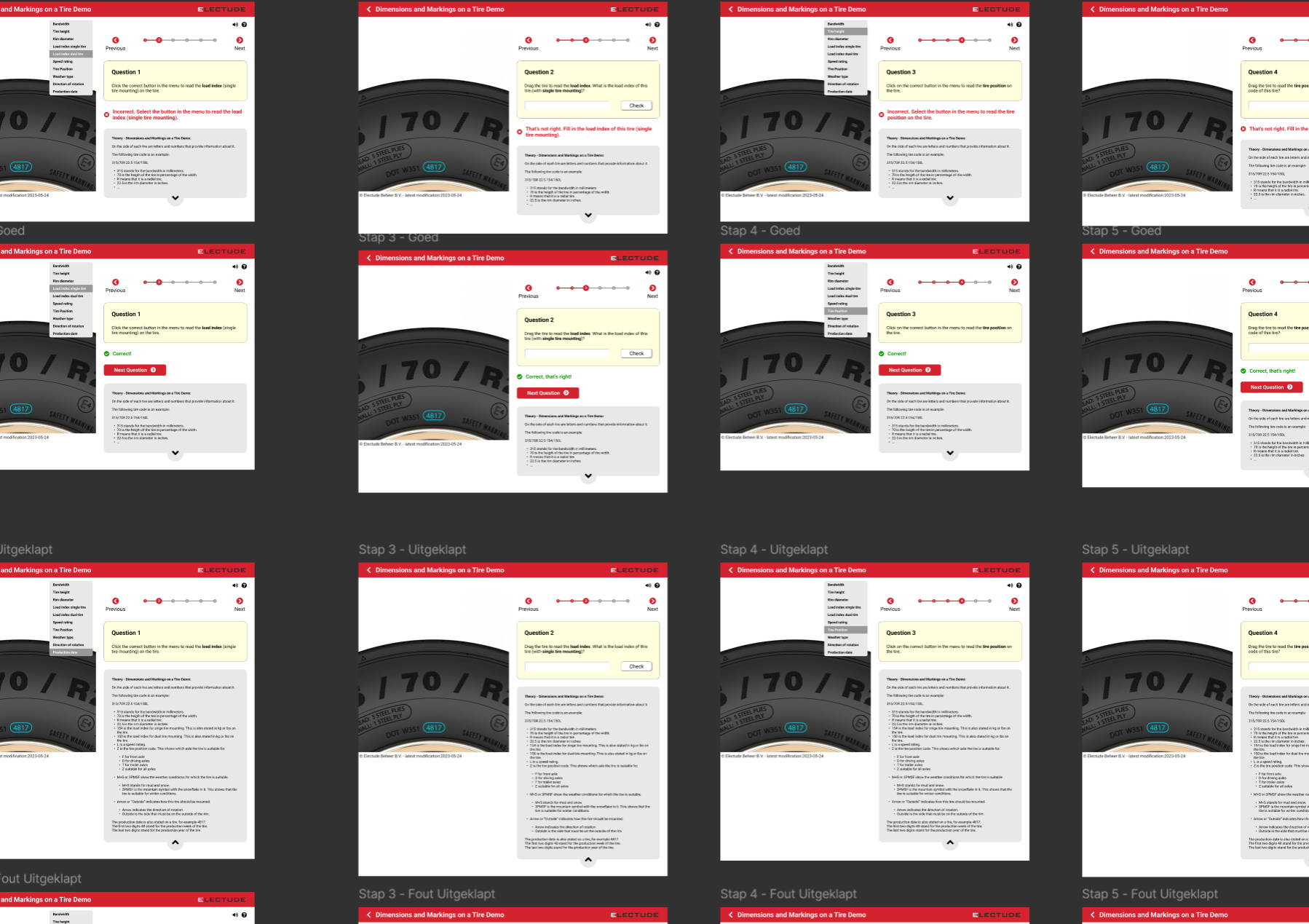
During my four‑month internship at iO Digital Agency, I worked on the Electude case (‘The Future of Automotive Education’), where I created an interactive (clickable) Figma prototype for an e‑learning module aimed at automotive technicians (in English). Electude already had an existing e‑learning interface, but it was quite outdated and many features no longer functioned properly — for example, overlapping components and buttons in the current/old design of the Electude E‑Learning Module, as you can see in the screenshots below:
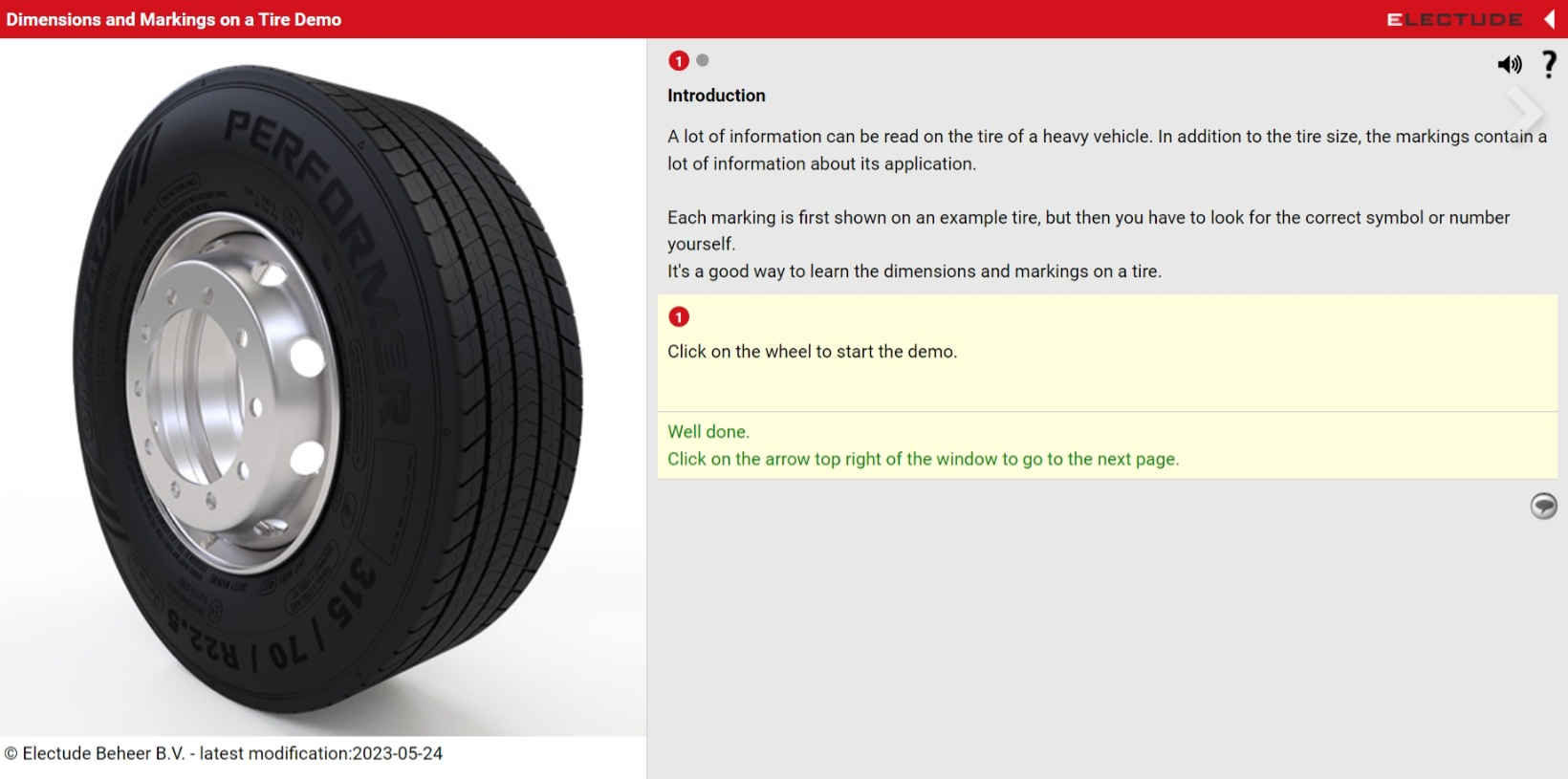
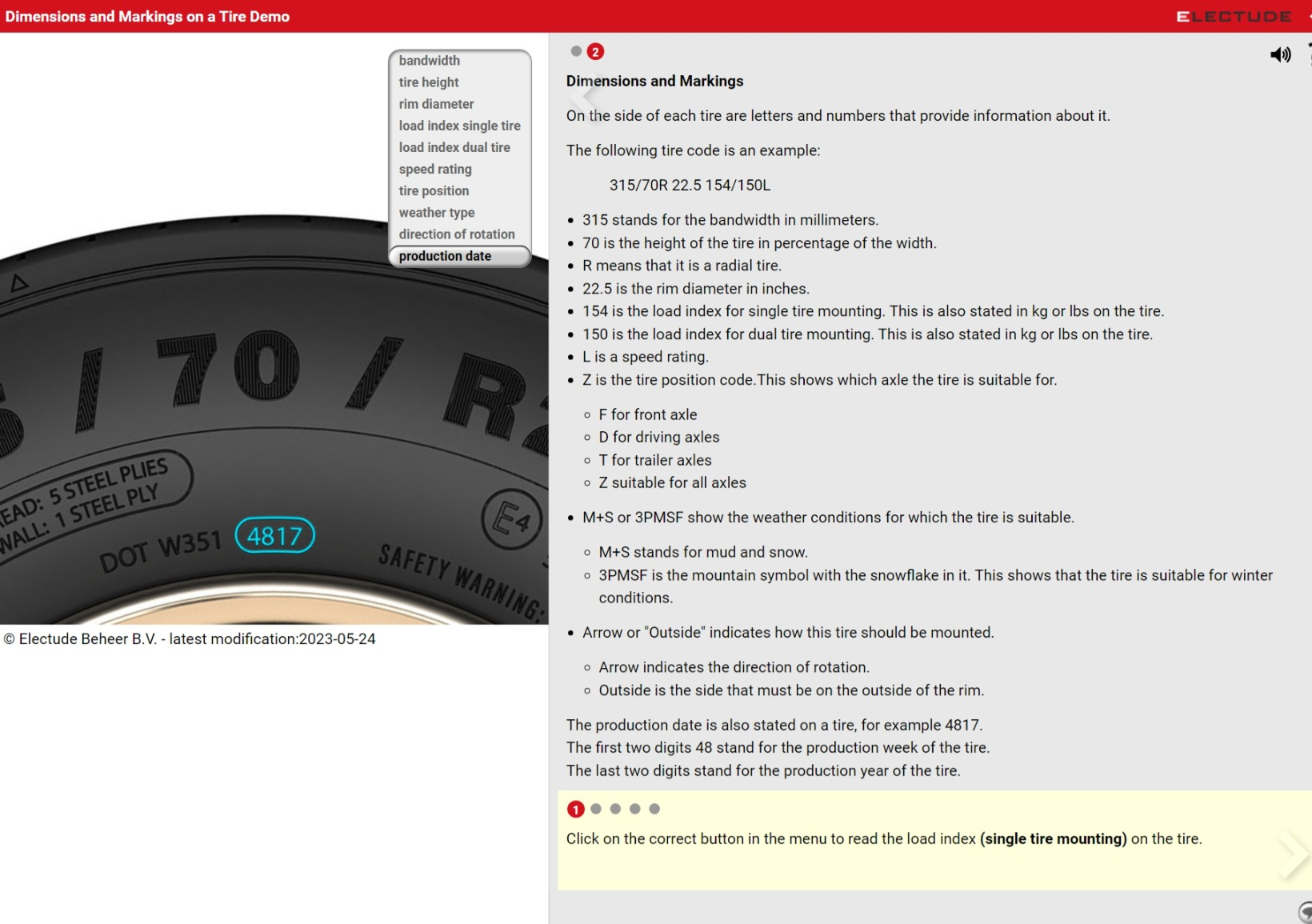
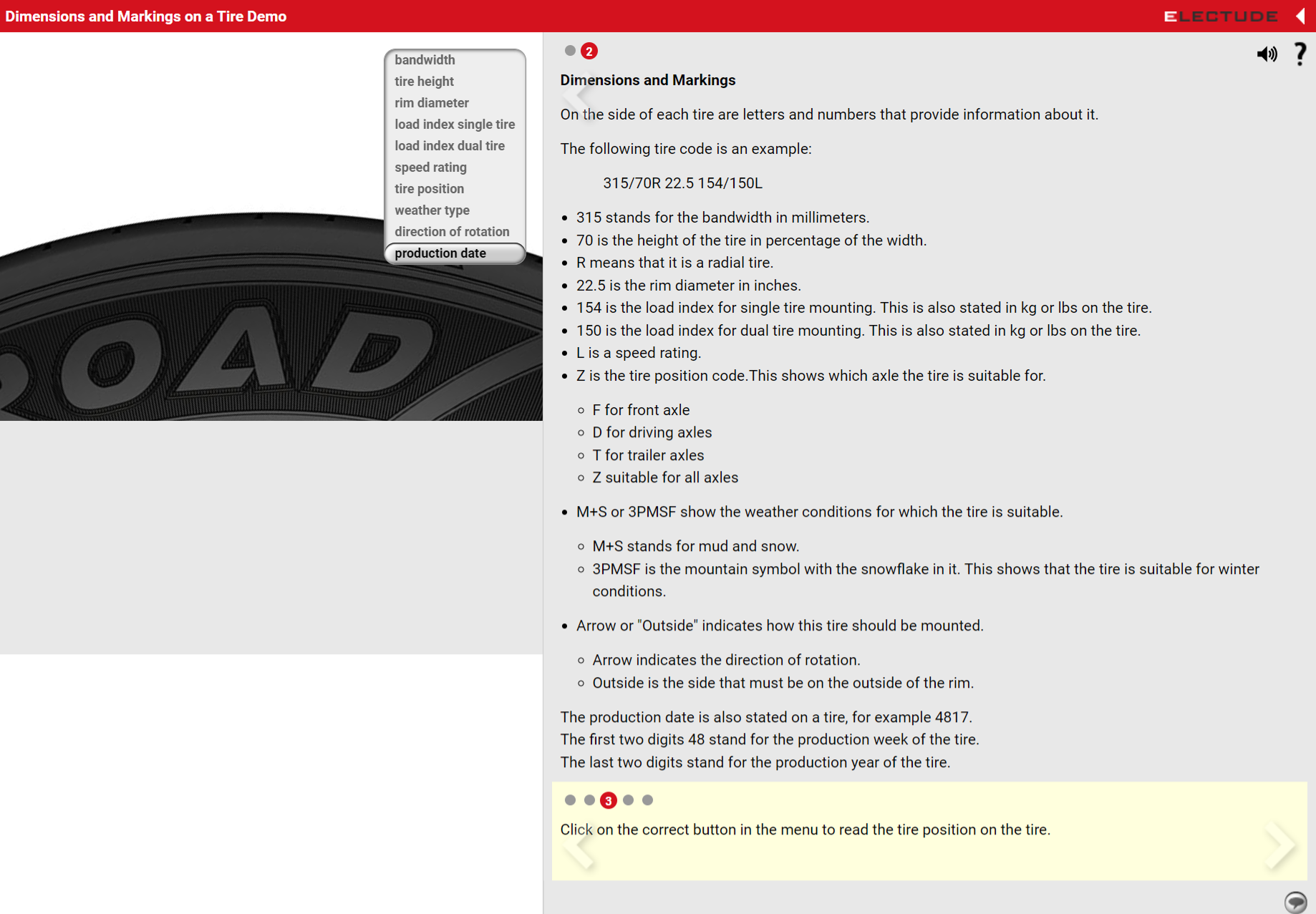
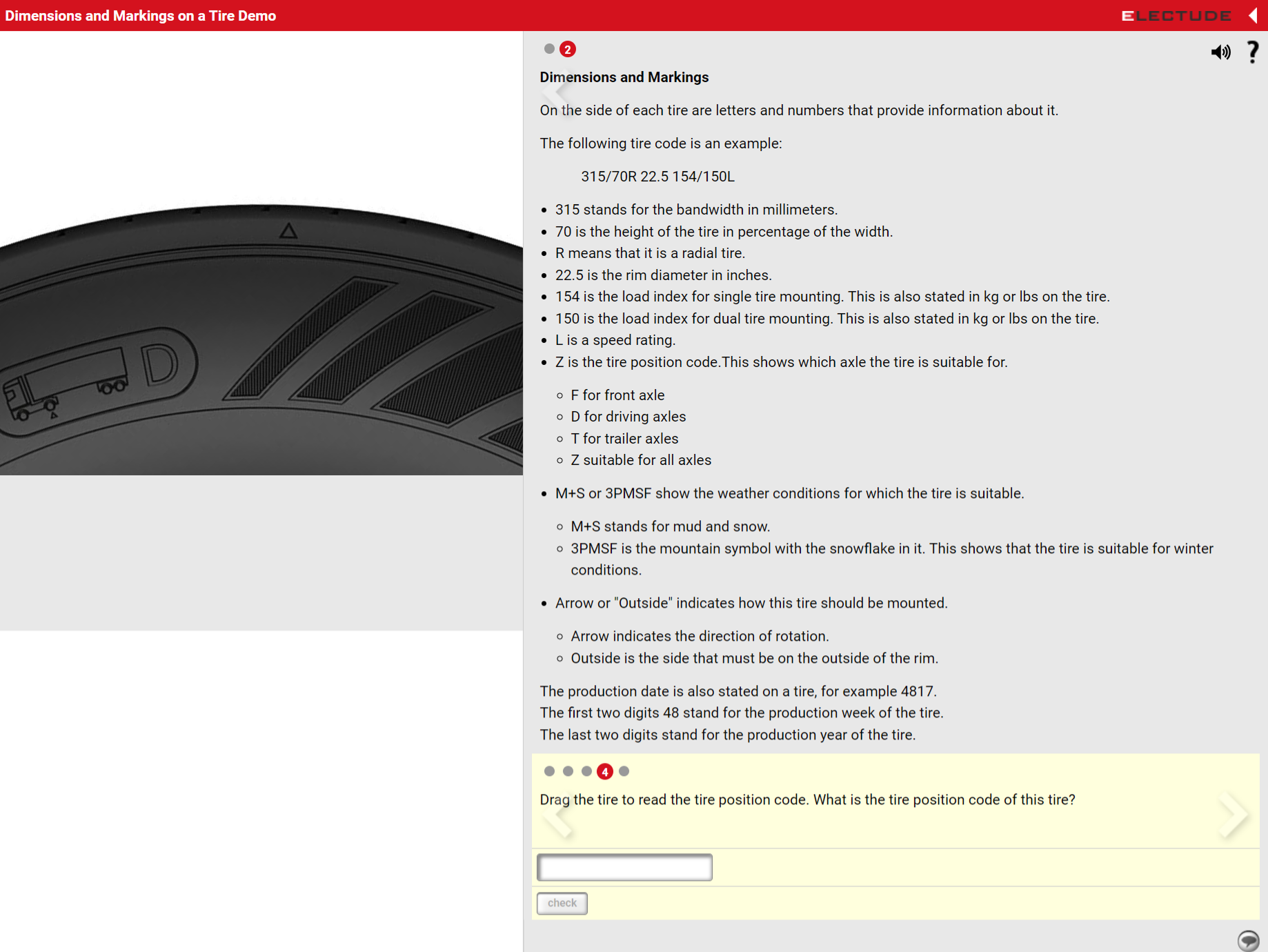
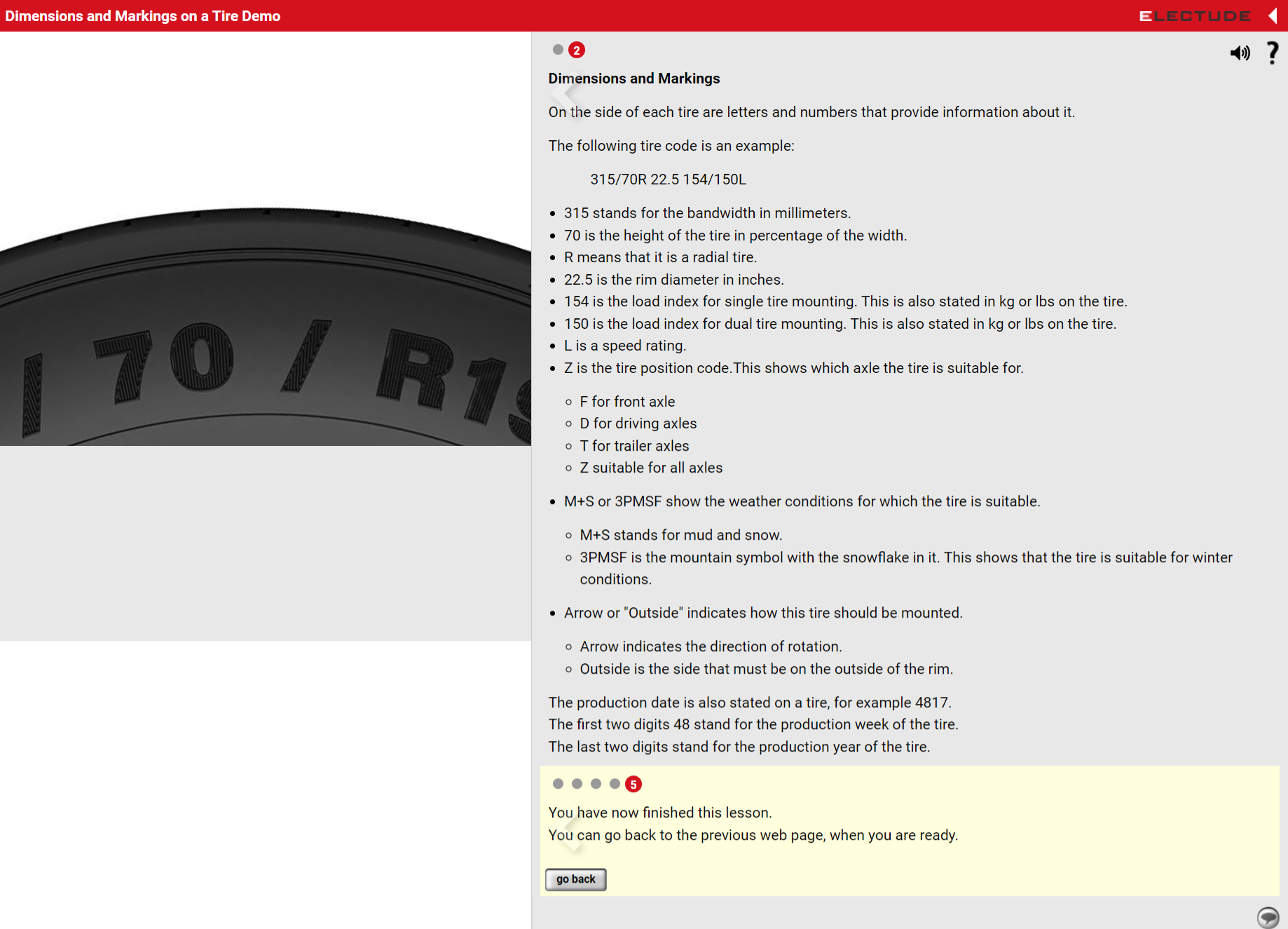
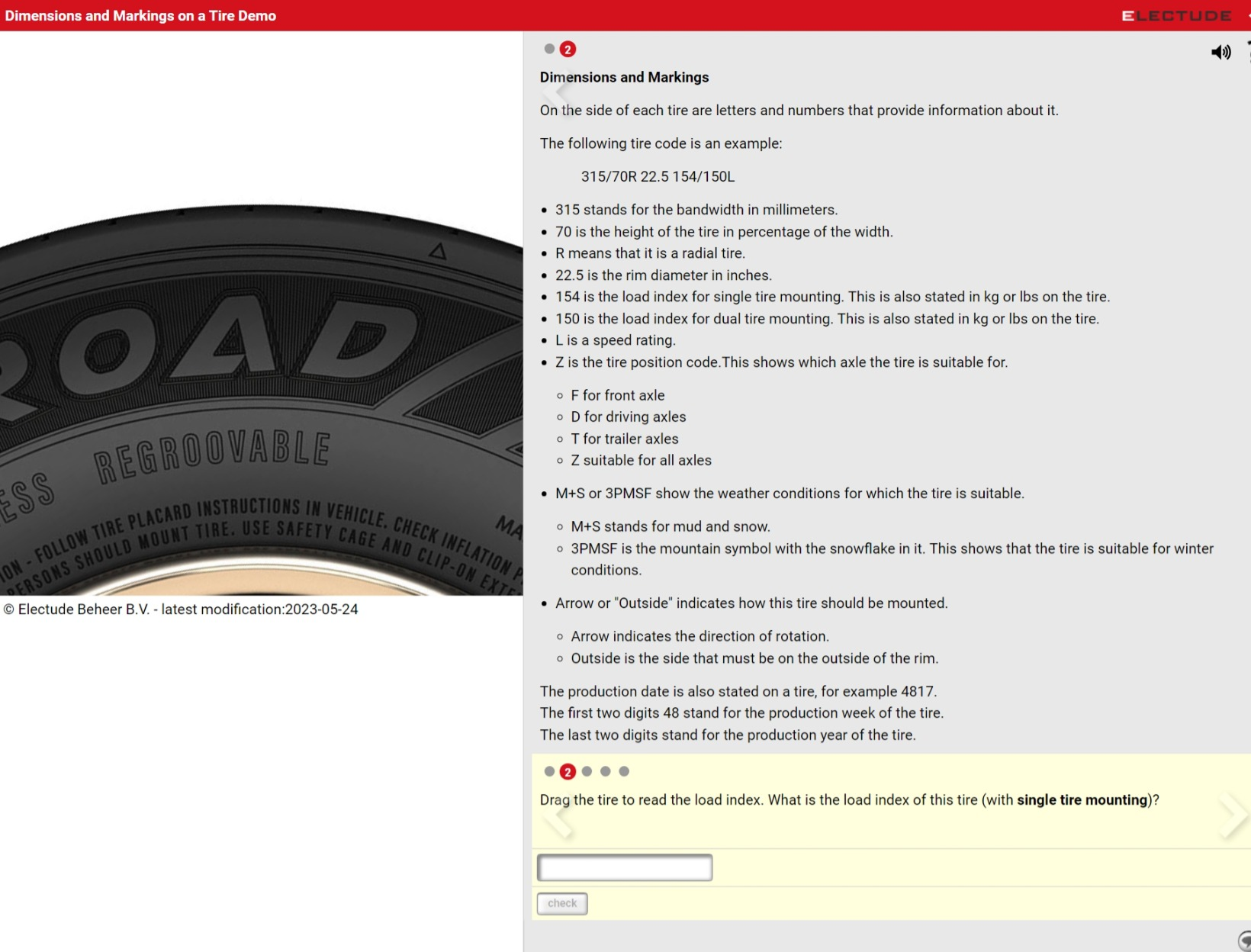
My task was therefore to redesign and prototype a renewed and improved version of the app, which also included conducting preliminary research (desk research).
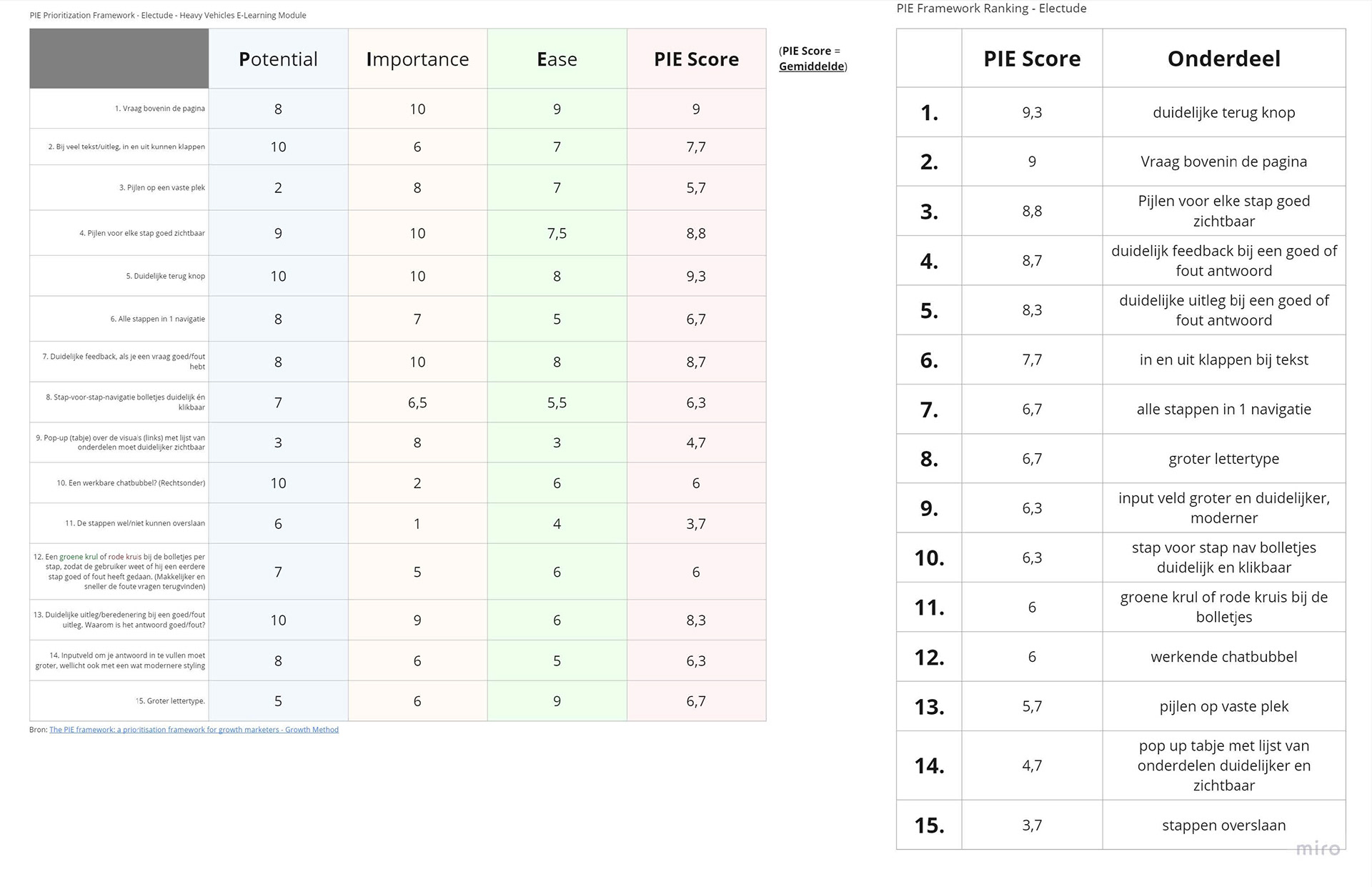
As part of this (preliminary) research process, I thoroughly analyzed Electude’s existing e‑learning module, conducted a competitor analysis (the current landscape and situation), and created a prioritization framework, the so-called PIE Framework. The PIE Framework helps determine which features should be prioritized based on their Potential (P), Importance (I), and Ease of implementation (E). This framework largely guided our design decisions for the final Hi‑Fi prototype, which I was also able to make fully clickable in Figma (in the Prototype workspace) during the final weeks of my internship at iO.
Finally, I was able to present the Hi‑Fi prototype in a short presentation/pitch to the client, Electude. Our account manager for this case at the time was Mats de Wilde (CRO/UX). Since this case came in during the final weeks of my internship and had to be completed within that period, there unfortunately wasn’t enough time to make one last iteration on the prototype. So I handed my final design and prototype over to the UX department at iO, who further refined it until it fully met Electude’s (the client’s) requirements and preferences.
P.S. I made sure to structure and organize the Figma file as clearly as possible, so the handover to the next iO team members who may continue working on this project would go smoothly.
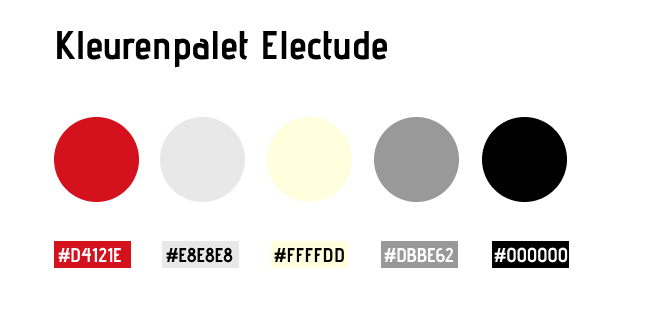
Below is an overview of the Figma file, starting with the color palette I defined based on an analysis of the current UI’s color usage (using Adobe Color Picker). You will also find the user flow of the Hi‑Fi prototype for our client Electude, along with a link to the corresponding Figma file. From there, you can also access the redesigned, clickable Hi‑Fi prototype created for this Electude case.
I also created a Miro research board for the Electude case. It includes an analyses of the current design, the PIE Framework I developed (with the results listed underneath), as well as additional desk research. In consultation with other UX designers, I ultimately decided to select the top 10 elements and improvement points from the PIE Framework that absolutely needed to be implemented in the renewed design.
Below is an image showing the PIE Framework I created:
Below is an image showing the PIE Framework I created:

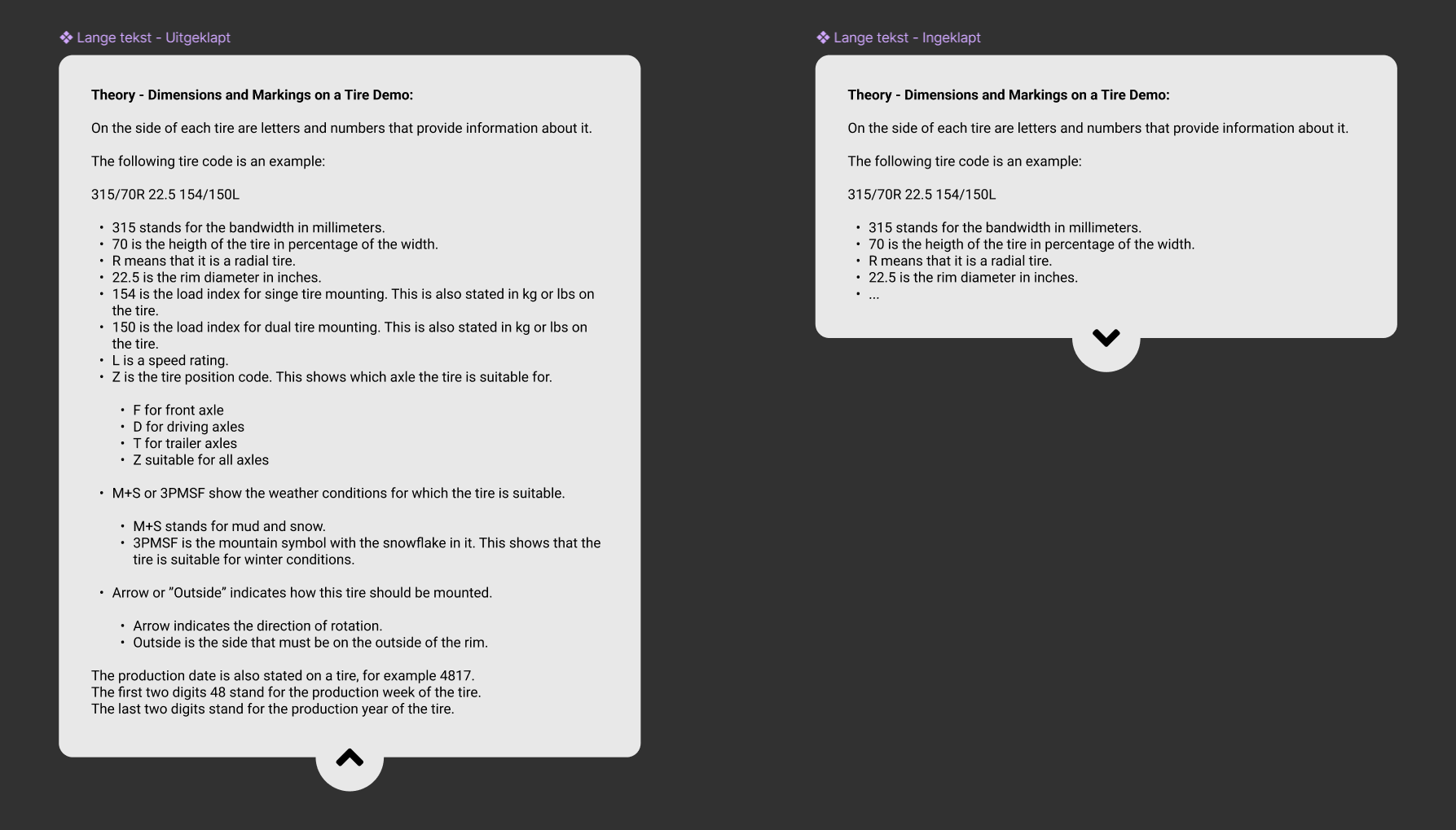
Some of the components I used in the Figma file for the redesign of this e‑learning module for the client Electude Automotive Education.
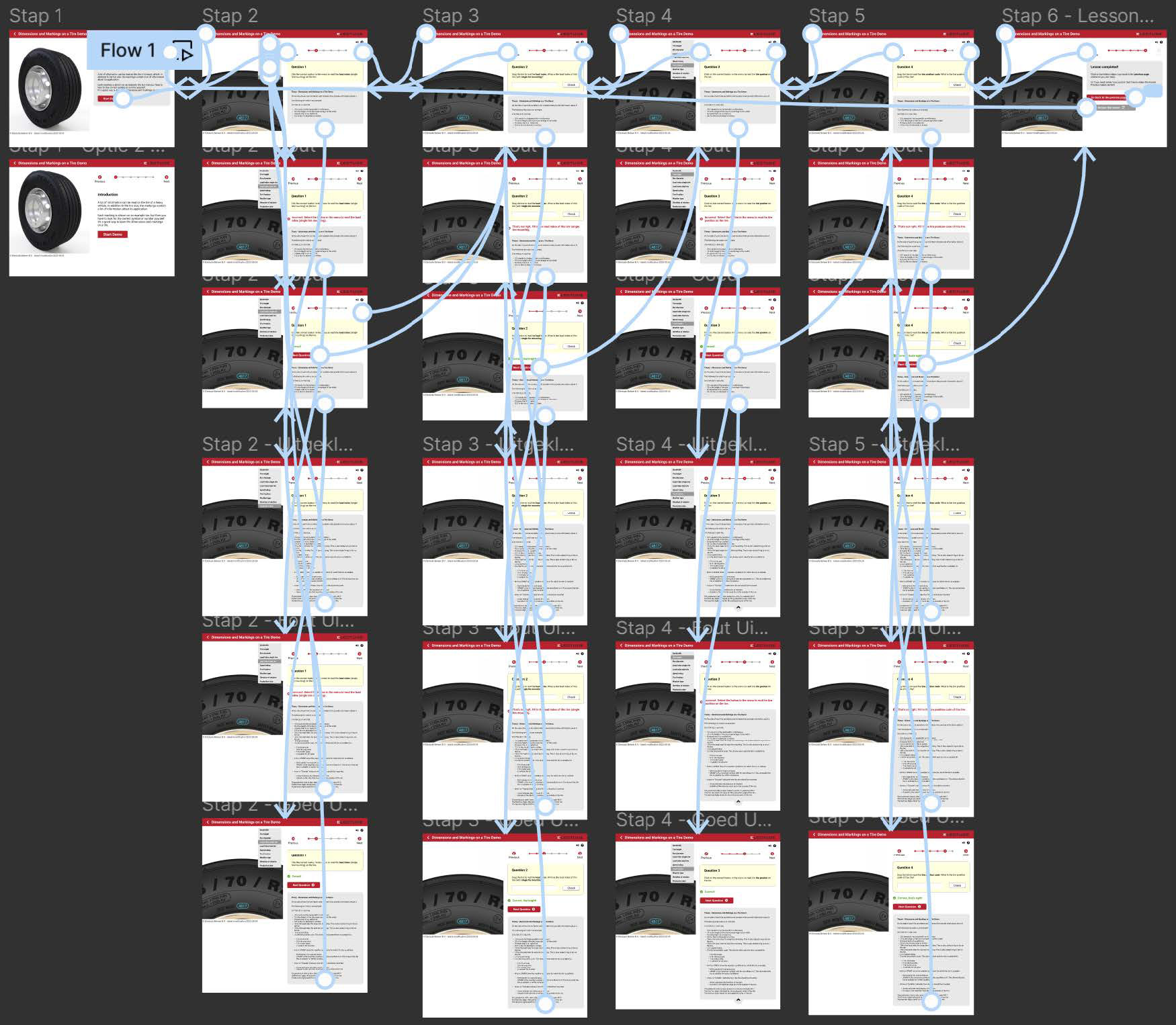
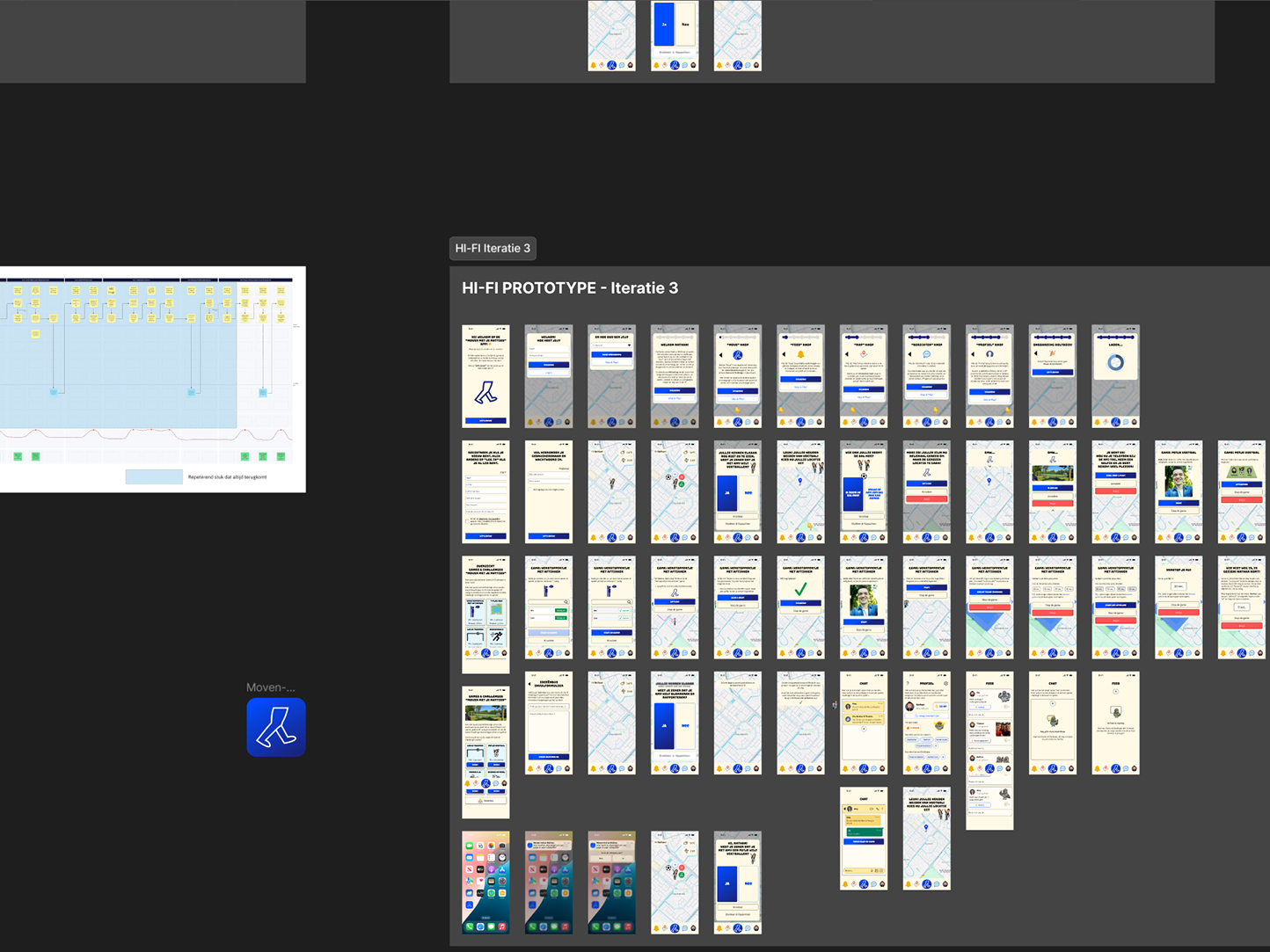
Prototyping in Figma for the redesign of the renewed e‑learning module for the client Electude Automotive Education. This shows how the Hi‑Fi wireframes were made fully interactive and clickable by linking the screens together.
Below is the final iteration of the Hi‑Fi design of the e‑learning module for the client Electude Automotive Education. The prototype is fully interactive and clickable, as it is embedded from Figma. Feel free to click through it: